Sommaire

Every hour of unplanned equipment downtime costs manufacturers an average of $260,000. Most of that downtime is preventable. Yet most APAC maintenance teams are still working off spreadsheets and paper checklists.
When a machine fails, the damage goes beyond the repair bill. Work orders pile up. Spare parts go missing. Management asks for a downtime report and no one can produce one.
The right industrial maintenance software fixes this. It gives your team real-time visibility into assets, work orders, spare parts, and costs. This guide helps you choose the right platform, whether you run one plant or twenty.
Why Are APAC Maintenance Teams Moving Away from Manual Processes?
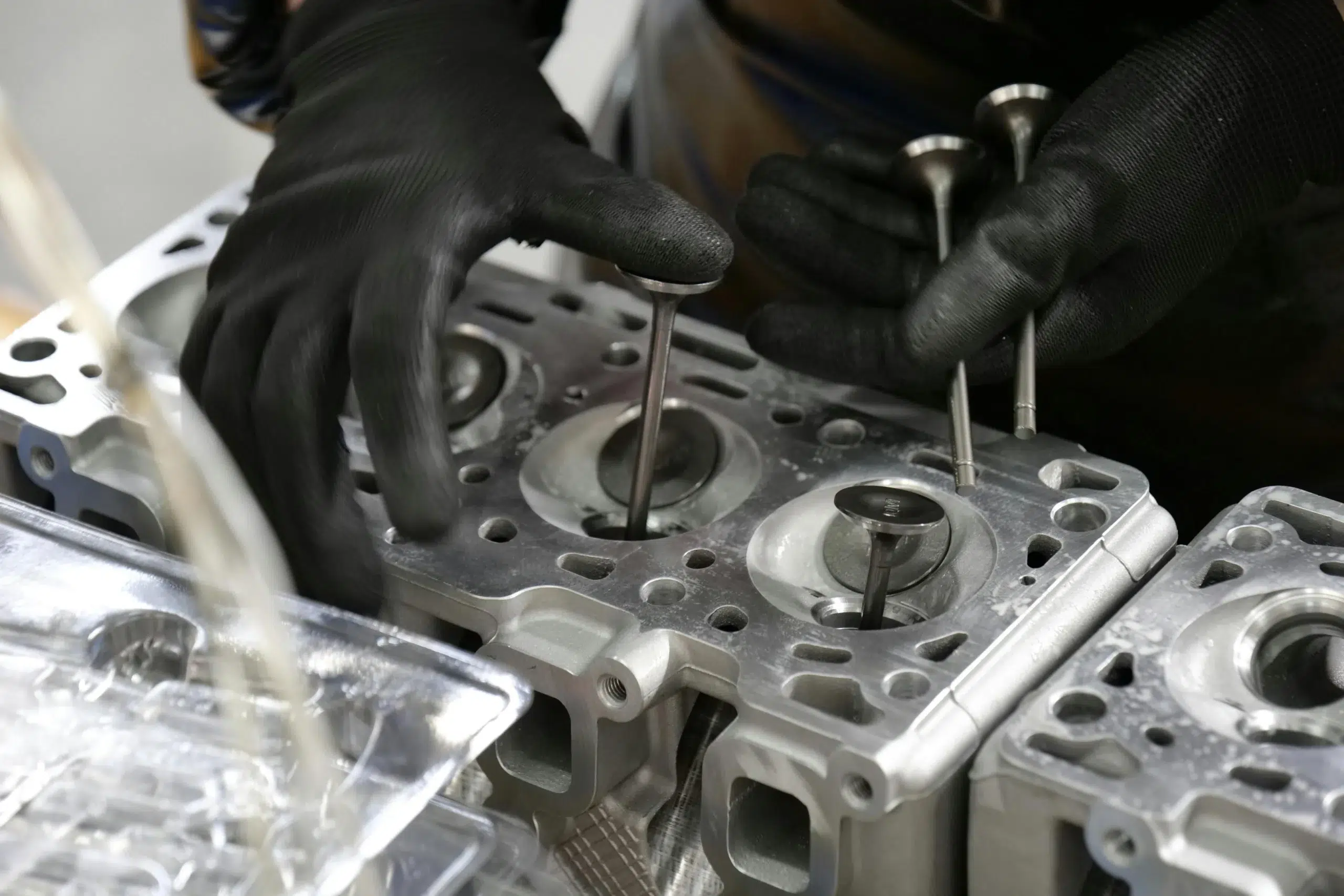
Manual systems can record tasks. What they cannot do is standardize maintenance operations across plants, contractors, and field teams. According to ABB’s Value of Reliability report, two-thirds of industrial companies experience unplanned downtime at least once a month, at a cost of up to $500,000 per hour.
Spreadsheet-based tracking makes things worse. Each plant keeps its own file. Each shift lead fills it out differently. When management needs to compare equipment downtime across sites, teams spend time reformatting data instead of solving problems.
APAC operations add even more complexity. Multiple sites, different regulatory environments, and distributed frontline teams all create gaps that paper checklists cannot close.
What Breaks First When Maintenance Runs on Spreadsheets?
Preventive maintenance schedules slip first. Without an automated work order system, recurring maintenance tasks depend on someone remembering to create them. When that person gets pulled to a breakdown, those tasks do not happen.
Asset history is the second casualty. When a technician asks why a machine failed last month, the answer may not exist. That gap slows root cause analysis and makes equipment planning unreliable.
Why Do Manufacturing and Oil-and-Gas Teams Outgrow Manual Workflows Faster?
In these industries, equipment downtime does not just slow a team. It stops production lines and triggers safety incidents. According to the Siemens True Cost of Downtime 2024 report, equipment failure accounts for 42% of all unplanned downtime incidents globally. The cost of missed maintenance activities in these sectors is simply too high to manage on a spreadsheet.
What Is Industrial Maintenance Software?
Industrial maintenance software, also called a CMMS (Computerized Maintenance Management System), is a management software platform that centralizes assets, work orders, maintenance history, preventive tasks, parts inventory, and KPIs in one place. It replaces the paper checklists and disconnected tools that most maintenance teams still rely on.
Here is how the two approaches compare:
|
Manual maintenance |
Software-driven maintenance |
|---|---|
|
Records scattered across files |
Centralized asset and maintenance data |
|
Delayed work order updates |
Real-time work order management |
|
Inconsistent preventive schedules |
Automated preventive maintenance planning |
|
Weak traceability |
Full audit trails per asset |
|
Hard-to-produce reports |
Live KPI dashboards and reporting tools |
Is Industrial Maintenance Software the Same as a CMMS?
Yes, they refer to the same category. CMMS is the technical term. Maintenance management software, or equipment maintenance software, describes the same tools in the context of heavy industry. Industrial environments need multi-site support, mobile-first workflows for frontline teams, and tighter ERP integration than general-purpose tools provide.
What Problems Should Industrial Maintenance Software Solve First?

If your team cannot answer what failed, why it failed, what parts were used, and what it cost, the problem is system visibility. These are the pain points that maintenance management software solutions are bought to solve:
- Unplanned equipment downtime from missed preventive tasks or missing asset history
- No equipment maintenance records to support root cause analysis or asset lifecycle planning
- Inconsistent preventive maintenance across sites, shifts, and contractors
- Poor spare parts visibility leading to production delays
- Low technician adoption of systems that slow down frontline teams
- Fragmented maintenance operations across plants with no common standard
Use these as your shortlist criteria. If a vendor cannot address each one, keep looking.
Not sure which features your operation needs? Talk to a DimoMaint specialist for guidance.
What Are the Key Features to Compare?

The key features of most CMMS tools look similar on paper. The difference shows in how they support real industrial maintenance operations, not lighter-use environments like property management.
1. Asset Management and Equipment Structure
You need clear asset hierarchies and full equipment maintenance history. Asset lifecycle management lets you see the full cost history of each asset and plan replacements before failure. You can also flag critical equipment for priority scheduling.
2. Work Order Management
Work order management is the daily engine of any maintenance team. Look for work order creation, assignment, priority settings, status tracking, and closure workflows. Maintenance traceability should be visible at the work order level, not buried in reports.
3. Preventive Maintenance Scheduling
Preventive maintenance scheduling should support both calendar-based and meter-based planning. Recurring maintenance tasks need to generate automatically. Good maintenance strategies depend on this working reliably.
4. Spare Parts and Inventory Control
Inventory management for spare parts is one of the most underestimated key features in the selection process. You need to track stock levels, reserve parts for planned maintenance work, and manage purchase workflows. In maintenance, cost management for the operation often comes down to avoiding emergency parts orders.
5. Mobile Access for Frontline Teams
Frontline teams need to receive work orders, update job status, and log parts usage from a mobile device. This matters most for multi site APAC operations. The platform should be easy to use in the field, with offline capability for sites without reliable connectivity.
6. AI-Powered Reporting Tools and KPI Dashboards
Key metrics to track in real time: MTTR, asset availability, PM compliance, work order backlog, and equipment downtime trends. AI powered analytics and real time alerts help surface risks before they become failures. If your team cannot pull this data quickly, the reporting tools are not doing their job.
7. Predictive Maintenance Capabilities
Predictive maintenance goes beyond preventive scheduling. It uses equipment data and AI to detect early signs of failure. According to Deloitte research, predictive maintenance can reduce maintenance costs by up to 25% and increase equipment uptime by 10 to 20%. It is best for teams that already have structured preventive maintenance in place.
8. Multi-Site Support and ERP Integration
For APAC maintenance operations across multiple countries, the platform should give central dashboard visibility and real-time data across all sites. Check for ERP connectors and SaaS deployment options. Distributed maintenance teams often cannot manage on-premise infrastructure across sites.
Want to see these features in action? Request a DimoMaint MX demo and walk through your specific workflows.
How to Evaluate Software for Manufacturing vs. Oil and Gas
What Matters Most in Manufacturing?
Manufacturing maintenance teams prioritize production uptime. The right software supports tight preventive maintenance scheduling tied to production cycles and standardizes equipment maintenance across all factories. It should be user friendly enough for technicians to update work orders on the shop floor without needing IT support.
What Matters Most in Oil and Gas?
Oil and gas adds compliance and safety requirements. Dispersed assets, contractor coordination, and traceability for audits all require a platform built for operational complexity. Maintenance strategies in this sector depend on accurate, real-time asset data that paper-based systems cannot provide.
Where Do Both Sectors Overlap?
Both need asset lifecycle tracking and asset management, work order management with audit trails, inventory control for spare parts, mobile access, and multi-site KPI visibility. In maintenance, the depth of each feature matters more than the length of a feature list.
What Does the Switch Look Like in Practice?
Real results from DimoMaint clients show what changes when a maintenance team moves off spreadsheets.
Dextra Group is a Bangkok-based manufacturer with 1,600 pieces of equipment across factories in Thailand, China, and India. Before DimoMaint MX, the team ran entirely on Excel with no way to share asset maintenance history or parts inventory data across sites. After deployment, they could monitor preventive maintenance tasks, track MTBF and MTTR, and check spare parts inventory across all three plants in real time. Maintenance Manager Thawat Kaewnarmmuang said: “It is a very innovative way of carrying out our maintenance activities, as we were previously relying on Excel files.”
Oryx Energies is one of Africa’s largest independent oil and gas providers. They deployed DimoMaint MX across 17 countries and 24 subsidiaries to manage 22,765 assets. Before the switch, the team had no unified view of maintenance costs or maintenance tasks across affiliates. With DimoMaint MX, Downstream Maintenance Manager Antonio González Pérez de Ontiveros stated: “I can check which critical tasks were performed per country and affiliate, see ongoing and past preventive and corrective tasks, which contractor was used, and the associated costs.”
ORTEC Services is part of a 12,500-employee industrial services group across 24 countries. They rolled out DimoMaint MX across 30 agencies in energy, nuclear, and mining. Setup time for a new agency dropped from three months to one or two weeks. Group CMMS Manager Gabriel Guillen said: “DimoMaint ticked all the boxes, especially as some of the users were not computer experts.”
Running a multi-site operation? Talk to a DimoMaint specialist about standardizing your maintenance operations.
How to Build a Shortlist and Choose the Right Platform
Step 1. Define your highest-cost maintenance problems. Start with the maintenance activity that costs you the most. The right software solves that problem first.
Step 2. List must-have workflows and integrations. Write down the specific maintenance tasks your team runs every day. Check whether the platform supports those natively or needs workarounds.
Step 3. Score vendors on usability, scalability, and reporting. The best maintenance management software is user friendly enough that technicians adopt it without extra training. Easy to use is not optional. It determines whether the platform gets used at all.
Step 4. Validate with a demo or proof of concept. Do not buy based on a sales presentation. Run a structured demo against your actual use cases. ORTEC Services piloted DimoMaint MX at multiple agencies before rolling it out across 30 sites.
Step 5. Choose the platform your teams will actually use. The best industrial maintenance software fits your maintenance strategies, scales across sites, and gets used consistently. Adoption determines ROI, not the feature count.
FAQs About Industrial Maintenance Software
What is industrial maintenance software?
Industrial maintenance software is a management software platform that centralizes asset management, work orders, preventive maintenance scheduling, parts inventory, and KPIs. It replaces manual tracking systems like spreadsheets and paper checklists. It is also referred to as maintenance management software or equipment maintenance software.
Who is it best for?
It is best for maintenance managers, reliability engineers, and operations teams in asset-heavy industries: manufacturing, oil and gas, energy, mining, and transport. It delivers the most value where equipment maintenance and equipment downtime directly affect production and safety.
What key features matter most for manufacturing?
Preventive maintenance scheduling, work order management, asset lifecycle tracking and asset management, mobile access for maintenance teams, and real-time multi-site KPI reporting.
What key features matter most for oil and gas?
Compliance traceability, contractor management, asset maintenance tracking across dispersed sites, cost management, and maintenance planning with full audit trails.
How does maintenance software compare to manual tracking?
Manual systems can record maintenance tasks but cannot standardize maintenance operations, report at scale, or stop tasks from slipping. Software-driven maintenance automates scheduling, centralizes data, and gives management real-time visibility into costs, equipment downtime, and team performance.
Choosing Industrial Maintenance Software: The Bottom Line
The right industrial maintenance software reduces manual effort, improves asset visibility, and supports preventive maintenance strategies that scale. For industrial buyers, that means choosing maintenance management software solutions built for real workflows, not generic CMMS tools designed for property management.
DimoMaint MX covers asset management and asset maintenance, work order management, preventive maintenance scheduling, stocks and purchases, a user-friendly mobile app for frontline teams, and real-time KPI dashboards. It is built for multi-site, mobile-first industrial maintenance operations across APAC.
Ready to take the next step? Speak with a DimoMaint specialist to find the right fit for your maintenance operations.