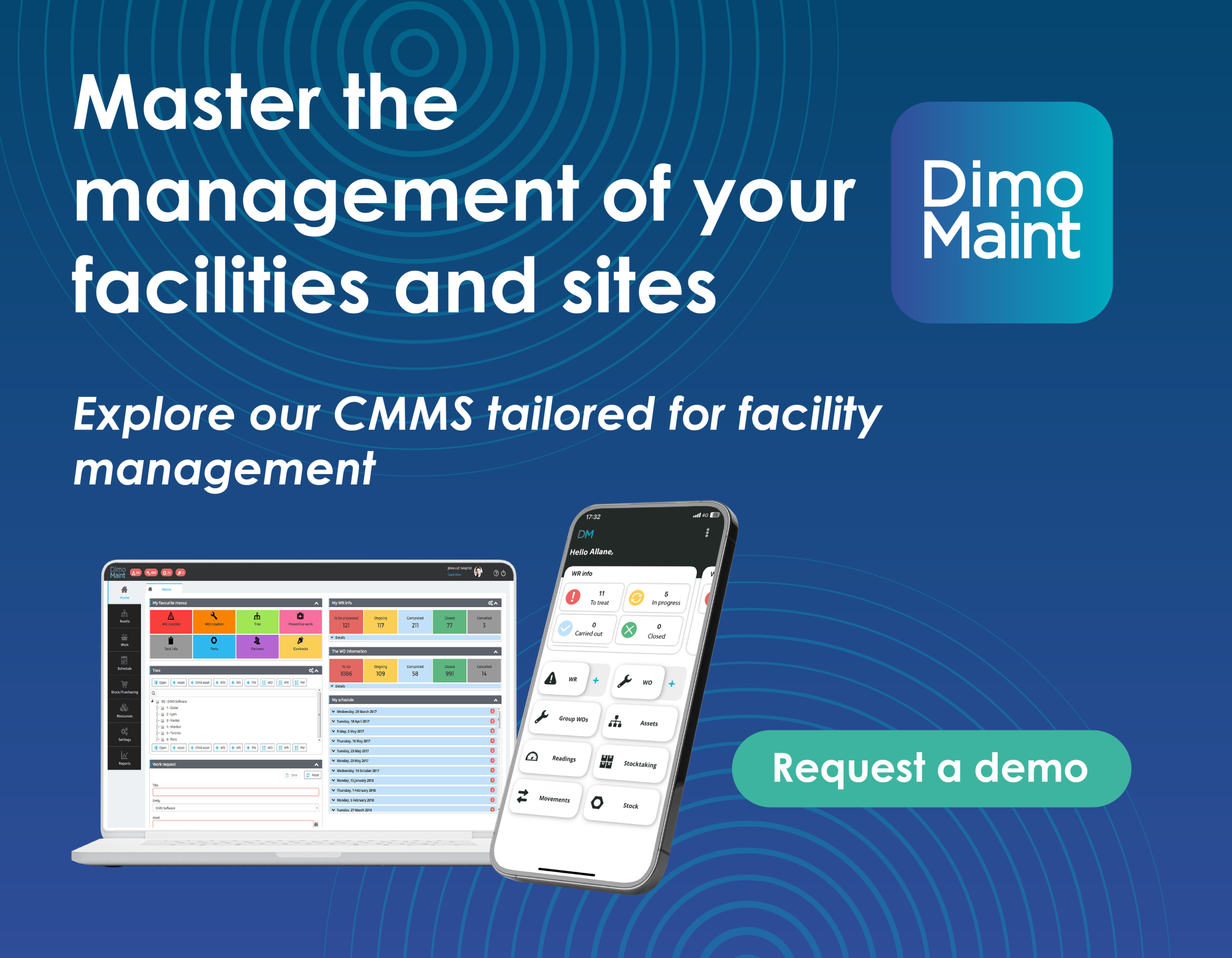

Selecting a CAFM (Computer-Aided Facility Management) system is a strategic decision that can significantly impact your organisation’s efficiency, cost control, and operational performance.
With a wide range of solutions available, it’s important to approach the selection process methodically to ensure the system aligns with your current needs and future growth.
Nine essential tips to help you choose the right CAFM solution.
1. Involve Users and Stakeholders Early
Failing to involve end-users and stakeholders in the selection process often leads to poor adoption.
To ensure success:
- gather feedback from operational teams
- understand daily challenges and needs
- align the system with real use cases
A solution that reflects user expectations will be easier to adopt and more effective in the long term.
2. Prioritise Mobile Capabilities
Facility management is not limited to the office. Teams need access to information while on-site.
A CAFM solution should provide:
- mobile access to work orders
- real-time updates from the field
- easy data input and retrieval
Without mobile functionality, productivity and responsiveness can be significantly reduced.
3. Choose a User-Friendly Interface
Ease of use is a critical success factor.
A user-friendly CAFM system:
- reduces training time
- accelerates user adoption
- minimises errors
An intuitive interface ensures that teams can quickly integrate the solution into their daily operations.
4. Ensure Flexibility and Configurability
Every organisation has its own processes and workflows.
Your CAFM solution should be able to:
- adapt to your operational processes
- support custom workflows
- allow easy configuration without complexity
Flexibility ensures the system remains relevant as your organisation evolves.
5. Evaluate Reporting and Analytics Capabilities
One of the main benefits of a CAFM system is the ability to leverage data.
Make sure the solution offers:
- built-in reports
- custom report creation
- automated report scheduling
- visual dashboards
Strong analytics capabilities enable better decision-making and improved performance tracking.
6. Assess Vendor Support and Responsiveness
Support quality is often underestimated but can be critical.
Consider:
- response times
- availability aligned with your operations
- expertise of the support team
Reliable support ensures continuity and reduces operational risks.
7. Review Modules and Functional Coverage
CAFM solutions often follow a modular structure.
Before making a decision:
- review all available features
- confirm what is included in the pricing
- anticipate future needs
Understanding the full scope avoids unexpected costs and limitations later on.
8. Understand the Product Roadmap and Upgrades
A CAFM system must evolve with your organisation.
Ask vendors about:
- upcoming features and developments
- frequency of updates
- whether upgrades are included
A clear roadmap ensures the solution will remain aligned with future requirements.
9. Check Integration Capabilities
Your CAFM system should not operate in isolation.
Ensure it can integrate with:
- financial systems
- building management systems (BMS)
- workspace management tools
- other business applications
Integration improves data consistency and enhances overall efficiency.
Make a Strategic and Sustainable Choice
Choosing a CAFM system requires careful planning and a clear understanding of your operational needs.
By following these best practices, you can select a solution that:
- improves efficiency
- enhances data visibility
- supports compliance
- scales with your organisation
A well-chosen CAFM system becomes a long-term asset, helping you optimise operations and make more informed decisions.